simple remote pair
Self-hosted pair programming: stream your screen over WebRTC and hand mouse & keyboard to guests on your LAN or VPN. No cloud, no accounts.
Three steps to pairing
Run the server
npx simple-remote-pair on the machine to share. It prints LAN URLs and a QR code.
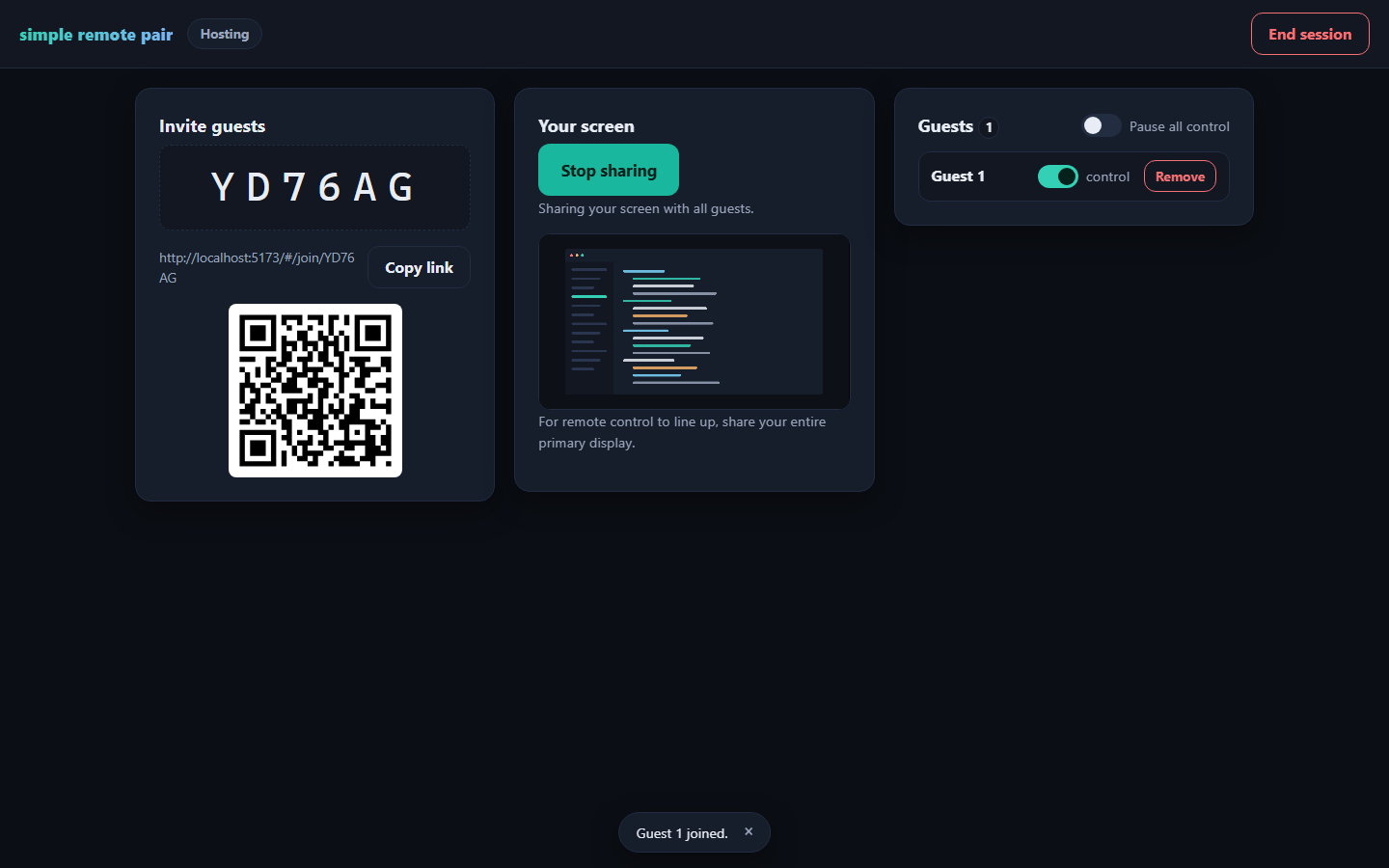
Start hosting
Open the URL, click Start hosting, share your screen and the 6-character code.
Guests join & drive
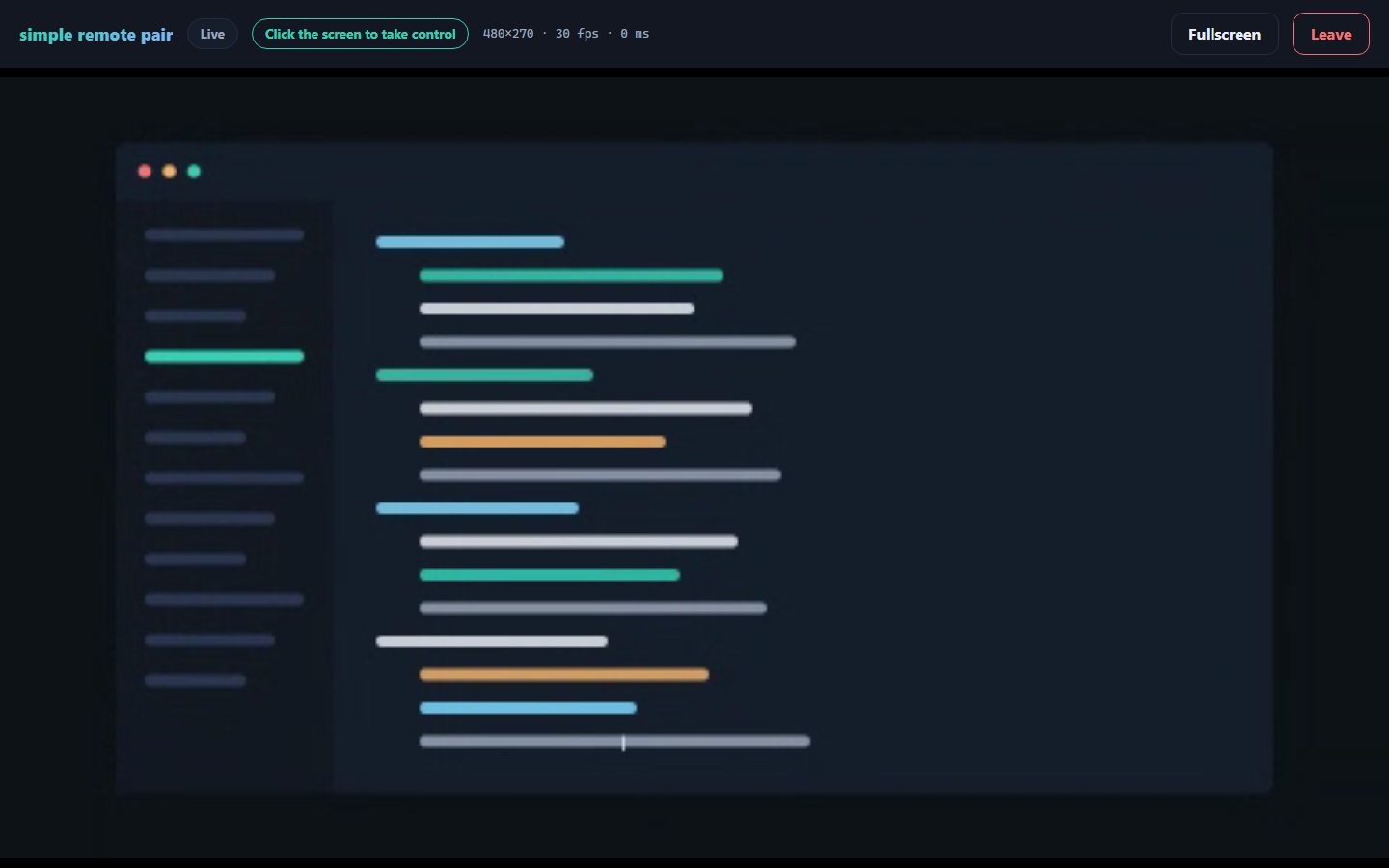
Any modern browser, nothing to install. You decide who can control, pause anyone, anytime.
Why it's nice
Peer-to-peer video
The screen stream is WebRTC, browser to browser. The server only relays the handshake and input — your pixels never transit a third party.
Control you can trust
Session codes gate everything. Per-guest control toggles, pause-all, kick — and every held key is released the moment a guest drops.
Zero build-tool pain
Input injection uses prebuilt native binaries. If they're unavailable, the server degrades to view-only instead of failing to install.
Fast and tiny
The client JS is ~10 kB gzipped. Three runtime dependencies. Input is coalesced and rate-limited for a mouse that feels local.
Accessible
Keyboard operable, visible focus, live announcements, reduced-motion aware — and an explicit take/release model, so no keyboard traps.
Tested end to end
Real WebRTC streams and real WebSocket sessions under test: unit, integration and Playwright e2e suites run in CI on every push.
Built for trusted networks — an office LAN, your home network, or a VPN like Tailscale. Not meant to face the public internet.